banner

October 2021

Musculoskeletal and visual discomfort from computer-based work

Be aware of the signs and symptoms of physical and visual discomfort.

Computer screen configurations

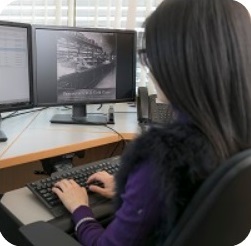
Avoid discomfort by ensuring optimal placement of the computer monitor in terms of distance, height, and side-to-side viewing.

Light in the workplace, and screen settings

Controlling the light affecting a workspace and optimizing screen settings are key to reducing visual discomfort.

Importance of breaks

Taking short breaks is nearly as important as properly configuring a workstation, especially considering the current need to hold more virtual meetings.

Upcoming events and webinars

Check out these events and webinars on important topics on human factors and ergonomics.

Discover more at worksafebc.com

For resources, please visit our Ergonomics page: If you have questions about ergonomics, human factors or need help managing the risk opf MSI in your workplace, please contact us at AskAnErgo@worksafebc.com

footer

WorkSafeBC, PO Box 5350 Stn Terminal, Vancouver BC V6B 5L5